





On this page10 sections
- What is the Chave Móvel Digital and do foreigners need it?
- Who can get a Chave Móvel Digital?
- How do I activate the Chave Móvel Digital as a foreigner?
- What does the Chave Móvel Digital cost and how long does it last?
- How does the PIN and SMS login work?
- What can I do with the Chave Móvel Digital?
- What if my phone number changes or my PIN is blocked?
- Checklist before you go
What is the Chave Móvel Digital and do foreigners need it?
The Chave Móvel Digital (CMD, “Digital Mobile Key”) is the Portuguese state’s certified way to log in to public portals and sign documents digitally. It ties your mobile number to an identity document, and you log in with that phone, a PIN and a temporary security code. If you live in Portugal, you will want it, because Portuguese bureaucracy is moving steadily online.
You do not need it on day one. But once you have a NIF and start dealing with taxes, you will keep hitting login screens that offer it. The Portal das Finanças (the tax portal) accepts it, and so does the sign-in flow for the services covered in our guides to filing your IRS tax return and getting your NIF.
Who can get a Chave Móvel Digital?
Anyone, Portuguese or foreign, with an accepted document and their own mobile number. According to the gov.pt activation page, there is no minimum age, and the CMD is for individuals only: a company cannot hold one.
For foreign nationals, the page accepts:
- A passport
- A Brazilian Cartão de Cidadão under the Porto Seguro Treaty
- A residence permit or card (Título de Residência, Cartão de Residência)
- Permanent residence certificates, including the EU citizen version
- A Certificado de Autorização de Residência
- A residence certificate for EU citizens and their third-country family members
- The temporary-protection certificate
A Portuguese NIF (tax number) is required for the residence documents on that list. The page does not attach that requirement to the passport or the Porto Seguro card. If you do not have a NIF yet, start there.
Two caveats from the same page. The Certificado de Autorização de Residência and the temporary-protection certificate cannot have a digital signature linked to the CMD. And the page does not say whether a foreign mobile number is accepted. It only says you need your own number. Don’t assume either way: ask at the counter, or use a Portuguese SIM if you have one.
How do I activate the Chave Móvel Digital as a foreigner?
You activate it in person at a counter unless you hold a Cartão de Cidadão. The gov.pt page is explicit: Cartão de Cidadão holders can request the CMD online, by video call or at a counter, while anyone without that card (or with an old Bilhete de Identidade) must go in person.
| Route | Who it is for | What you need | Speed |
|---|---|---|---|
| Counter (balcão de atendimento, such as an Espaço Cidadão) | Foreigners with a passport or residence document | The document, NIF where required, your own mobile number | One visit |
| Online via gov.pt app, Autenticação.gov or Portal das Finanças | Cartão de Cidadão holders only | Card, plus phone camera, PIN and card reader, or NIF and Finanças password, depending on the route | Minutes |
| Video call | Cartão de Cidadão holders only | The card | Not stated by official pages |
Step by step: the counter route
- Make sure you have your NIF if your document is a residence permit or card.
- Bring the passport or residence document you want to link, plus your own mobile phone.
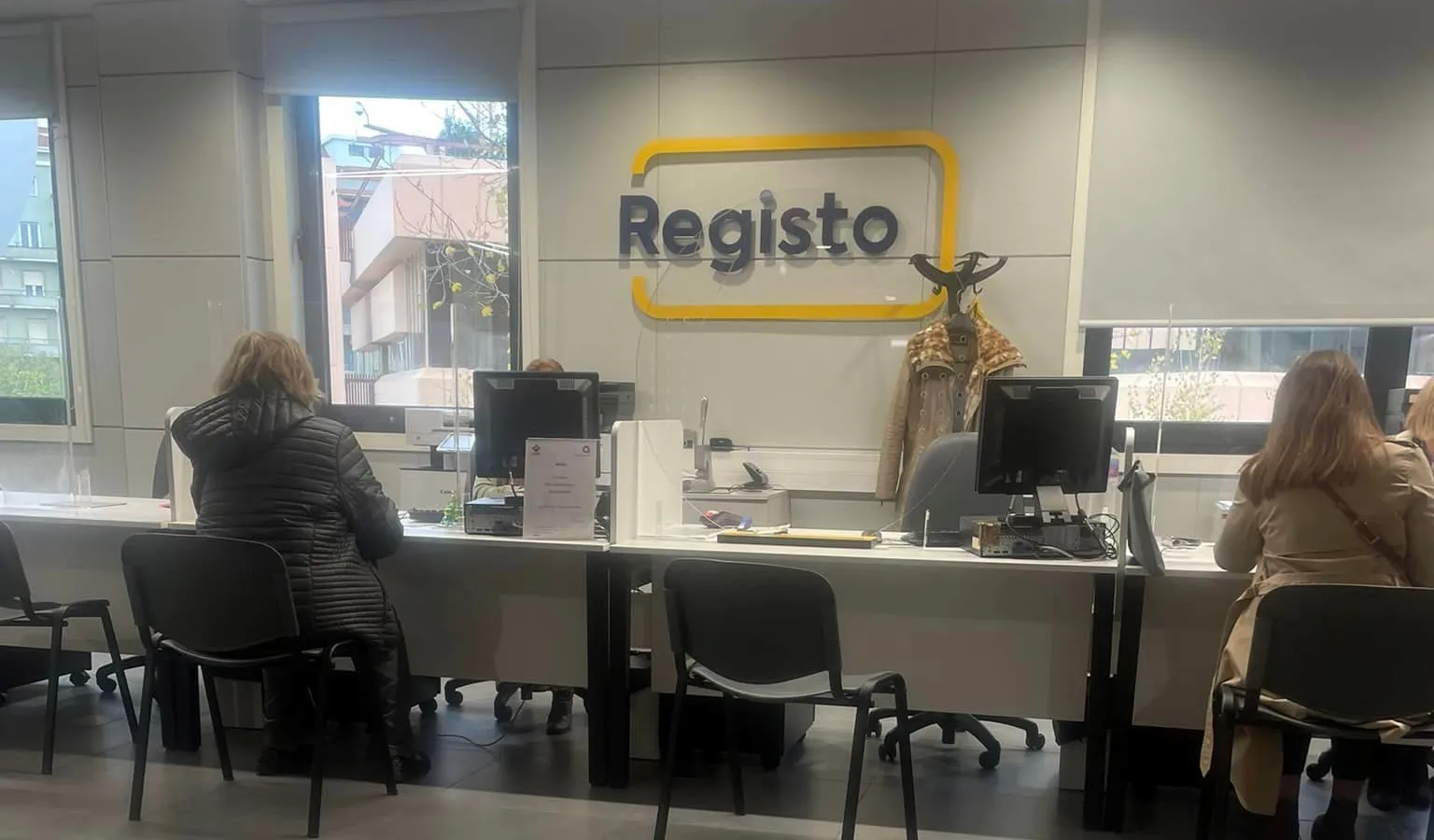
- Go to a counter that handles the CMD. The Portal das Finanças page names an Espaço Cidadão in Portugal, or a Portuguese consulate in the EU, for passport or residence card holders.
- Ask for the Chave Móvel Digital, confirm the phone number to link, and set your PIN.
- Test it straight away on a portal login before you leave.
The official pages do not list exactly what a counter will ask for, opening hours, or whether you need an appointment. Call ahead or check the gov.pt list of Espaço Cidadão locations. Sign-language service does require an appointment.
Step by step: if you already hold a Cartão de Cidadão
This applies to Portuguese citizens and some Brazilians and others who have the card. The autenticacao.gov.pt page lists three online routes:
- gov.pt app: needs the Cartão de Cidadão, a phone with a camera, and the app on Android, iOS or Huawei.
- Autenticação.gov site: needs the card, its authentication PIN and a smartcard reader.
- Portal das Finanças: needs the card, your NIF and your Finanças access password.
If you only do one thing: try the gov.pt app route first if you have the card. It needs no reader.
What does the Chave Móvel Digital cost and how long does it last?
It costs nothing: the gov.pt page says “A CMD é gratuita.” Validity depends on the document you linked. For passports and residence documents, the CMD has the same validity as that document. For the Cartão de Cidadão it is the card’s validity plus 30 days.
That matters for residents. If your residence permit runs out, your CMD runs out with it. Our guide to renewing your residence permit covers the card side; for the CMD side, the official page describes no renewal procedure, so ask at an Espaço Cidadão once the new card arrives.
How does the PIN and SMS login work?
You enter your CMD PIN, then a temporary code sent to your phone. The Portal das Finanças page describes the same two steps: pick Autenticação.gov, choose Chave Móvel Digital, enter the PIN and the SMS or app code. It also mentions the gov.pt app as an alternative way to receive the code.
The gov.pt page notes that one PIN covers access to portals and signing documents. A separate signature PIN setup exists, so treat the signature function as its own switch. After five consecutive wrong entries of the signature PIN or its security code, only the signature function goes inactive; authentication keeps working.
What can I do with the Chave Móvel Digital?
The official pages confirm three things: logging in to many public and private portals with one login, signing documents digitally, and signing in to the Portal das Finanças. For taxes, the Portal das Finanças offers the CMD alongside the older NIF-and-password login, which is posted to your registered tax address. That is a real saving if you are tired of waiting for mail. It is also handy if you are a freelancer setting up recibos verdes.
On the gov.pt app: the December 2024 government announcement says it merged the ID.gov and Autenticação.gov apps, offers 16 official documents in digital form (including the Cartão de Cidadão and driving licence), lets you join the CMD with biometrics, and provides a qualified digital signature with full legal value. It does not say which of those documents are available to foreign residents, so check inside the app before relying on it.
There is no official statement on whether specific services, such as SNS 24, Segurança Social Direta or AIMA, accept the CMD. Portals change their login menus often. Open the sign-in page of the service you need and see whether “Chave Móvel Digital” is listed. For the health and contribution side, see our guides on SNS registration and Segurança Social.
What if my phone number changes or my PIN is blocked?
You can fix both, but not always from your couch. For a blocked PIN, gov.pt says three wrong entries block the CMD temporarily, and further errors can block it permanently. The same happens after three wrong entries of the security code. You can unblock online at Autenticação.gov or at an Espaço Cidadão.
A forgotten PIN is simpler at a counter: an Espaço Cidadão can issue a new one even if the CMD is not blocked. The other option, cancelling and creating a new CMD online, is described for Cartão de Cidadão holders.
To change your phone number or other data, the gov.pt page says an Espaço Cidadão can change all data tied to the CMD, while the portal, the app or the phone can change only some of it, for security reasons. The page does not say which fields. If you are switching phone numbers, go in person with your document before you scrap the old SIM.
Checklist before you go
- Get your NIF first if you will link a residence document.
- Decide the document: passport (no NIF needed) or residence card (NIF needed).
- Bring a mobile number you will keep, one that is yours alone.
- Test a Portal das Finanças login before you leave the counter.
- Note the document’s expiry date, because the CMD expires with it.
Frequently asked questions
Is the Chave Móvel Digital free for foreigners?
Yes. The gov.pt service page states that the CMD is free, and it applies to Portuguese and foreign holders alike. You pay nothing to activate it with a passport or residence document. The page lists no fee for the activation itself.
Can I get a Chave Móvel Digital with only a passport?
Yes. The gov.pt activation page lists the passport as an accepted document for foreign nationals, and it does not attach the NIF requirement to the passport, unlike residence documents. Because validity follows the linked document, a passport-based CMD expires with the passport. Without a Cartão de Cidadão, you activate in person at a counter.
Can I activate the CMD by video call or app as a foreigner?
Only with a Cartão de Cidadão. The gov.pt page says holders of that card can request the CMD online, by video call or at a counter, and that people without it must activate in person. Foreigners who hold only a passport or residence permit should plan on a counter visit, such as an Espaço Cidadão.
What happens if my PIN gets blocked?
Three wrong PIN entries in a row block the CMD temporarily, and continued errors block it permanently. You can unblock it online through the Autenticação.gov portal or at an Espaço Cidadão. If you forgot the PIN, an Espaço Cidadão can issue a new one even when the CMD is not blocked.
What happens to my CMD when my residence permit expires?
For residence documents and passports, the CMD has the same validity as the associated document, according to gov.pt. When the document expires, the CMD expires with it. The page does not describe a renewal step, so confirm with an Espaço Cidadão after you receive the new card.
Sources
This guide cites the following official sources. We link directly so you can verify every claim yourself.
- Autenticacaoautenticacao.gov.pt
- Autenticacaoautenticacao.gov.pt
- Governo de Portugalgov.pt
- Governo de Portugalgov.pt
- Governo de Portugalgov.pt
- Governo de Portugalgov.pt
- Portal das Finançasinfo.portaldasfinancas.gov.pt
- Governo de Portugalportugal.gov.pt
Some links on this page are affiliate links. If you buy through them, we may earn a commission at no extra cost to you. How we research and update our guides